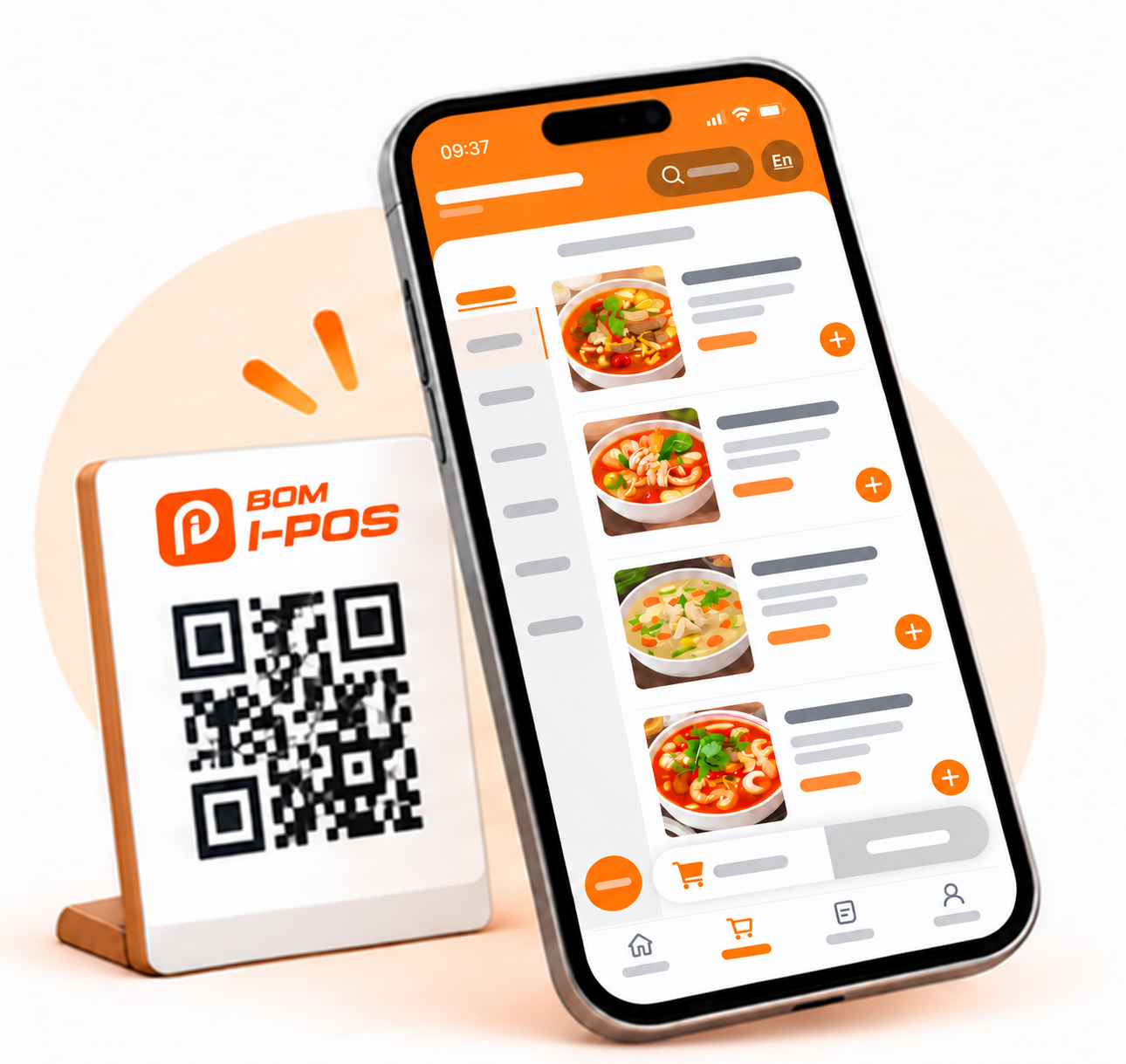
QR Code Self Ordering
Customers scan a QR code to view the menu and order from their phone.
BOM i-POS · FOOD & BEVERAGE
Streamline operations, boost sales, and gain actionable insights. Discover the features that drive growth.
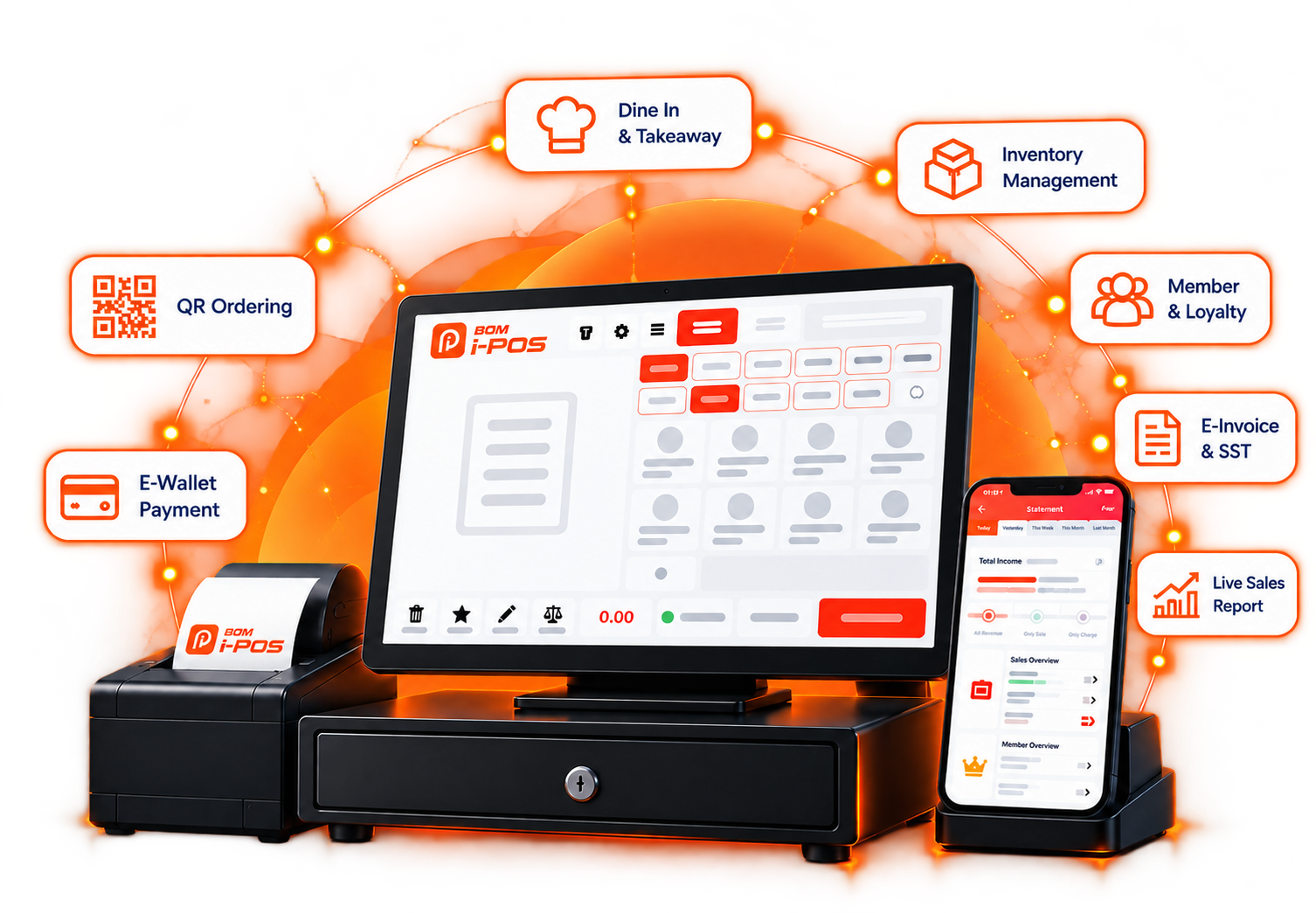
BOM i-POS supports cafés, restaurants, hawker stalls and F&B businesses with multiple outlets.
FEATURES OVERVIEW
Customers scan a QR code to view the menu and order from their phone.
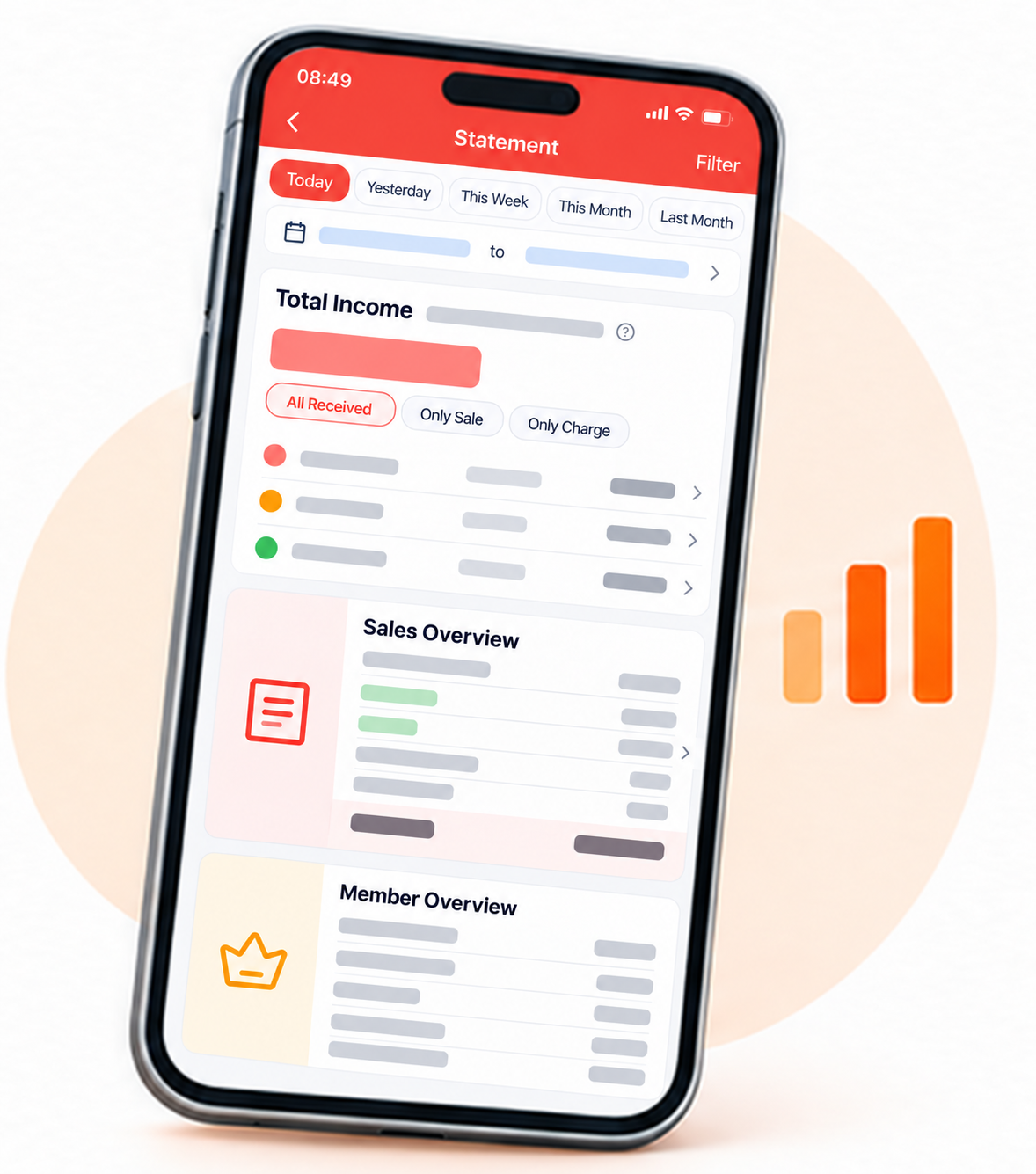
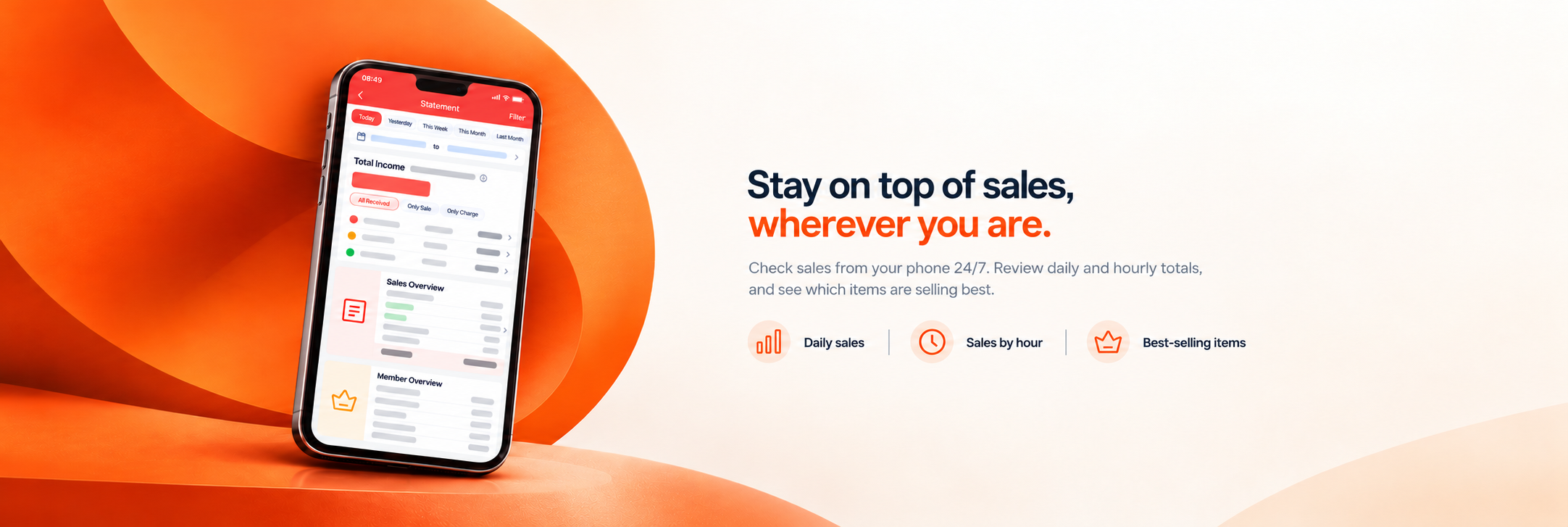
View your sales reports from your phone whenever you need them.
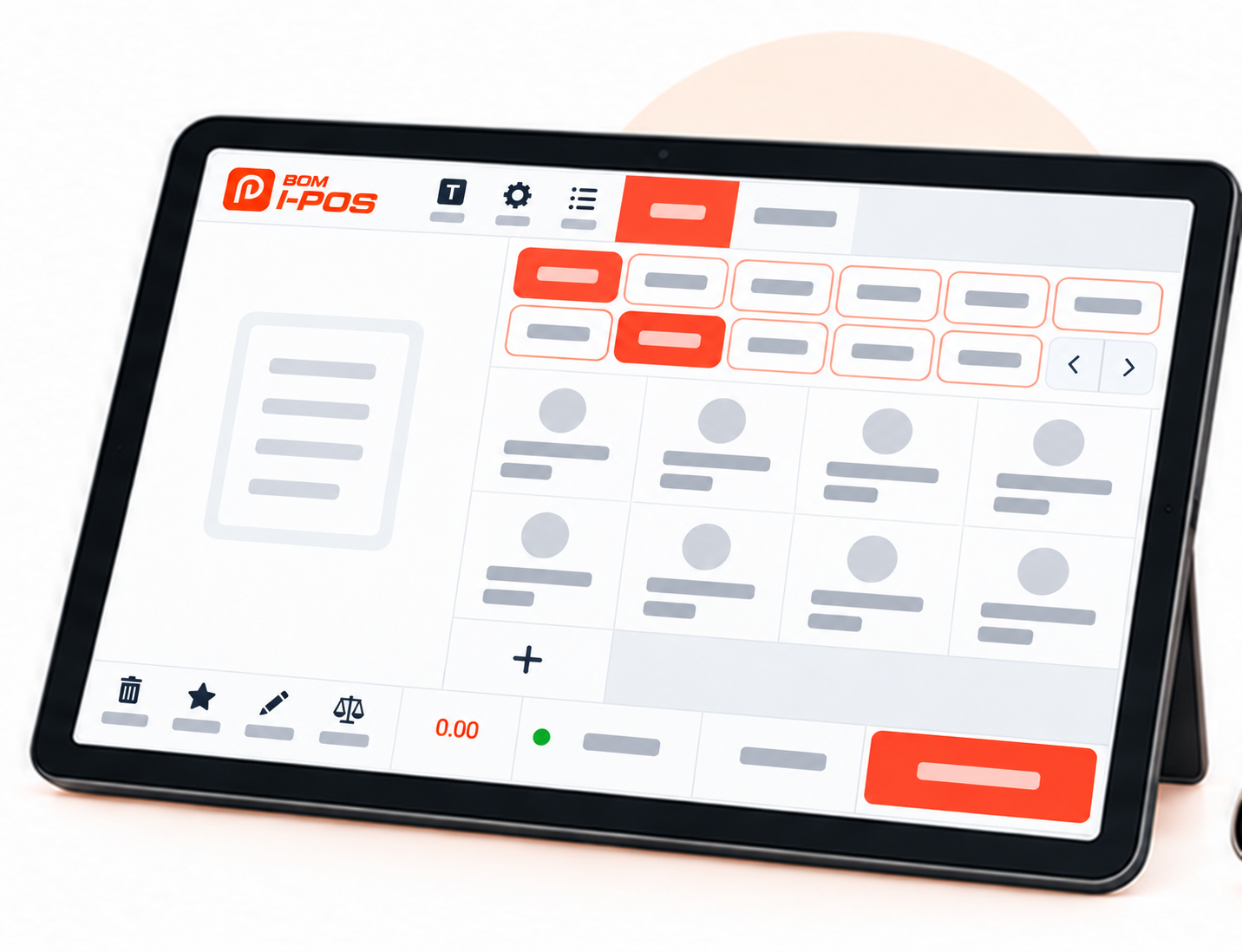
Take table orders on a tablet and help your team serve customers faster.
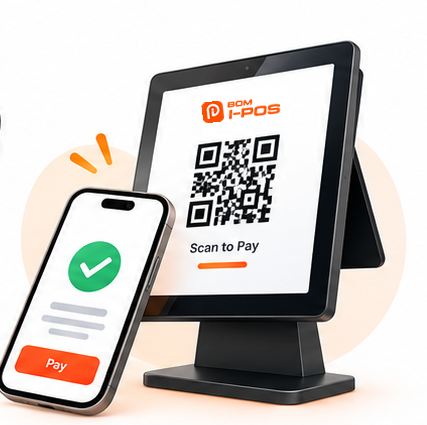
Choose the payment methods your business accepts: cash, credit or debit cards, and e-wallets.

Set up offers to help attract customers and encourage repeat visits.
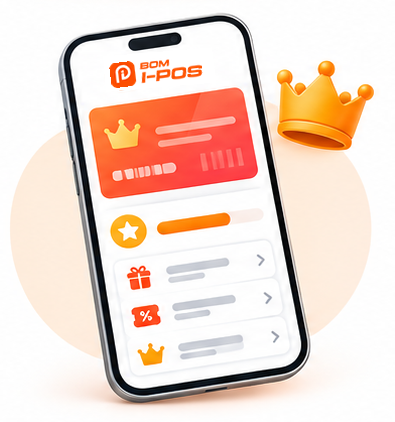
Reward loyal customers and give them a reason to come back.
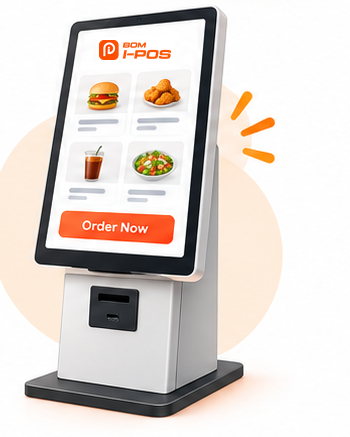
Give customers the option to place orders at a self-service kiosk.
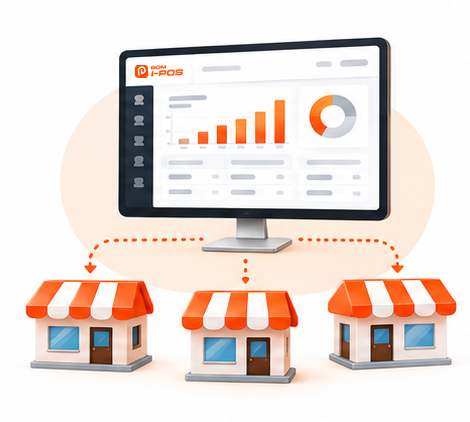
Manage sales and day-to-day operations across your outlets in one system.
Customers can order by QR code, or your team can take orders on a tablet. Each order is sent through the cloud to the main POS, then forwarded to the kitchen in real time.
With fewer trips back and forth, your team can focus on serving customers. This can ease pressure during busy periods or when staffing is limited.
We set up the system and train your team, usually in about two hours. You’ll then have a few days to practise before going live.
Bring your team together for practical training with an Internec specialist. Setup and training usually take about two hours.
Give your team a few days to practise everyday tasks before using the system with customers.
Get your team ready to help customers while your business adjusts to the new system.
BOM i-POS CUSTOMERS
K Castle Steakhouse manages add-ons and special requests seamlessly, making order taking faster and more organised.
Su Tomyam speeds up order submission and reduces unnecessary back-and-forth. Perfect for a spacious restaurant setup.
CFS tracks inventory accurately across outlets, reducing stock issues and improving operational efficiency.
LET’S TALK ABOUT YOUR BUSINESS
Book a free product demonstration with the Internec team.
Ask about a free demo ↗